Settle into a story.
Open a book. Read aloud together, or listen to a storyteller while the words light up.

A LITTLE WONDER BEFORE GOODNIGHT
A story to read together.
A little world to step inside.
And a next chapter inspired by you.
Coming to your family’s screens
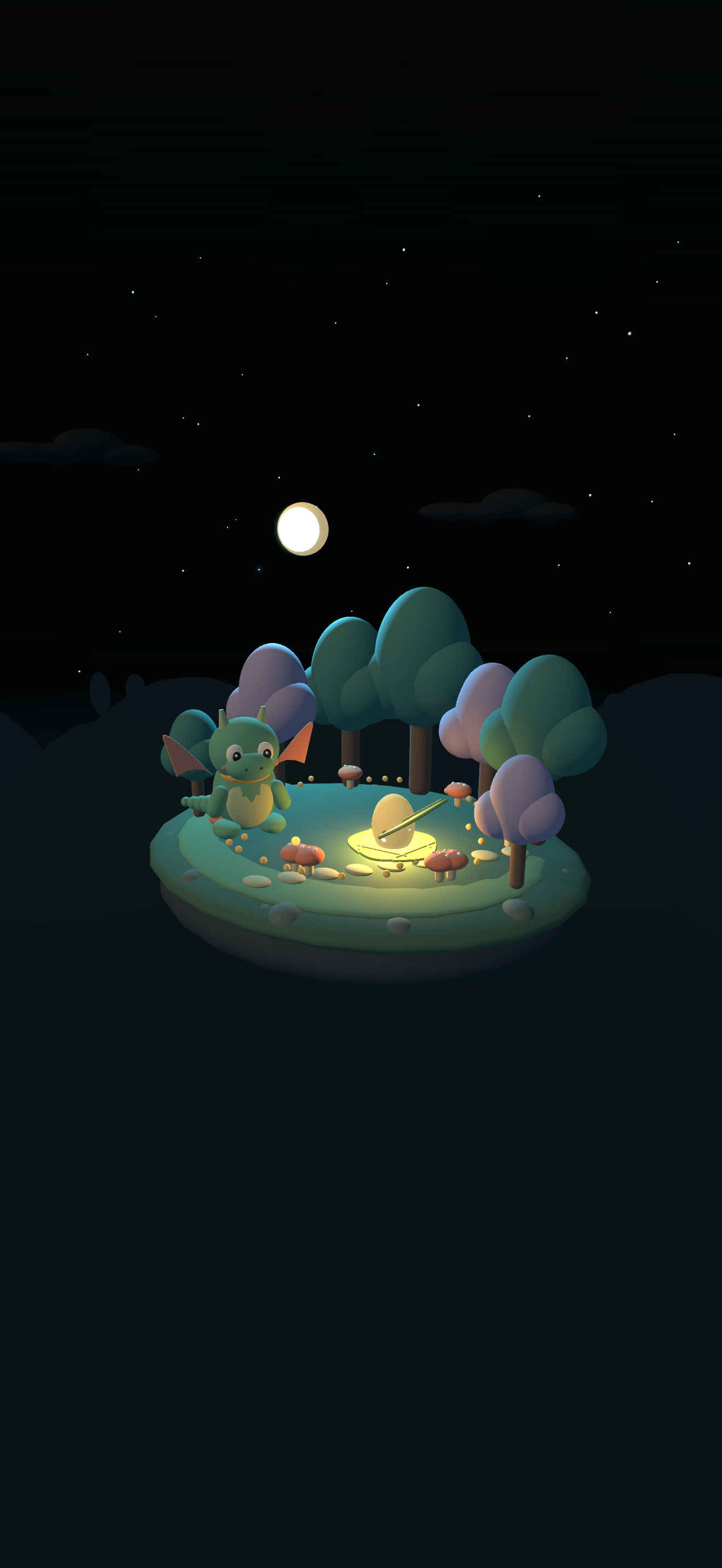
A glimpse of Pip’s world · launch illustration
THE BEST PART IS WHAT HAPPENS NEXT
That little idea at bedtime can become the beginning of a new adventure. With Luma, your family helps shape the story.
Open a book. Read aloud together, or listen to a storyteller while the words light up.
Hold the microphone and tell us what should happen. Everyone can add a little something.
Your ideas inspire new pages and new scenes, with familiar friends along for the adventure.
MEET YOUR FIRST LITTLE WORLD
A small dragon. A mysterious glow.
A forest with a story to tell.
A short sample from Luma’s opening book.
SO MUCH MORE THAN A STORYBOOK
Take or choose a photo of a favourite toy, give it a name, and turn it into a stylized 3D character in Luma’s world.
A little hat, too? Characters and accessories get their own places in your collection, so another friend can wear it next time.

Place a story world or a character in your room. Walk around it, get closer, and discover the details together.
Switch on AR reading mode to keep the story text and Next page button with you as you read.
AR on supported iPhone & iPad devices
Settle onto the sofa and open Luma on Apple TV. Read the chapter together or play its narration, with the little 3D world beside the words.
Use the remote to turn pages and explore. Record tomorrow’s idea on iPhone or iPad.
Apple TV app · coming soon
More room for the story. More room for imagination. Luma gives the words and their little 3D world a place of their own on iPhone Duo.

As the storyteller reads, the current word lights up. Children can connect the word they hear with the word they see.
It was a little egg, warm as a lantern and bright as the moon.
Hold to record what happens next. Add another idea, listen back, or remove a part before sending.

A PLACE FOR EVERY BEDTIME
A little stage for story time, with room for the world and the words.
Explore the Duo experienceFOR THE GROWN-UPS
We’re building a calm place for families to read and create together.
Luma is still in development and isn’t publicly available on the App Store yet. App Store links will be available here when it launches.
Luma is designed for shared story time. A parent can read aloud, or the family can listen to narration with the current word highlighted.
Stories stay within your connected family library. A public community library is not part of this release.
AI helps turn family ideas into stories and bounded 3D scenes. Toy photos create stylized characters rather than exact scans. Results can vary; parents should review new content together.
In the app under development, recordings and selected photos go to the connected story Mac. Speech is transcribed locally. Story ideas and selected photos may be processed by OpenAI. AR camera frames stay on your device.
We’re planning one family membership across your devices, with an allowance for new chapters and photo characters. Pricing and launch availability are still being tested. Saved stories remain readable when a subscription ends.
THE NEXT CHAPTER STARTS WITH YOU
We can’t wait to hear.